
Try AI Video Free
Seedance 2.5 AI Video Generator
Create native 30-second AI video with Seedance 2.5.
Use text to video, image to video, and reference-guided editing to build longer, more coherent 4K-ready scenes.
Seedance 2.5 Video Generation Workflow
Use Seedance 2.5 with leading AI video models to turn prompts, images, and reference assets into production-ready clips.
 Hailuo
 Kling
Kling Wan
Wan Seedance 2.5
 Pixverse
 Luma
Luma Veo 3.1 Fast
What is Seedance 2.5?
Create 30-second AI video from text, images, video references, and audio references.
Seedance 2.5 Text to Video
The text to video workflow helps creators plan longer shots without stitching many short clips together.
Seedance 2.5 Image to Video
The model keeps the original subject, style, and scene logic more stable while adding cinematic movement.
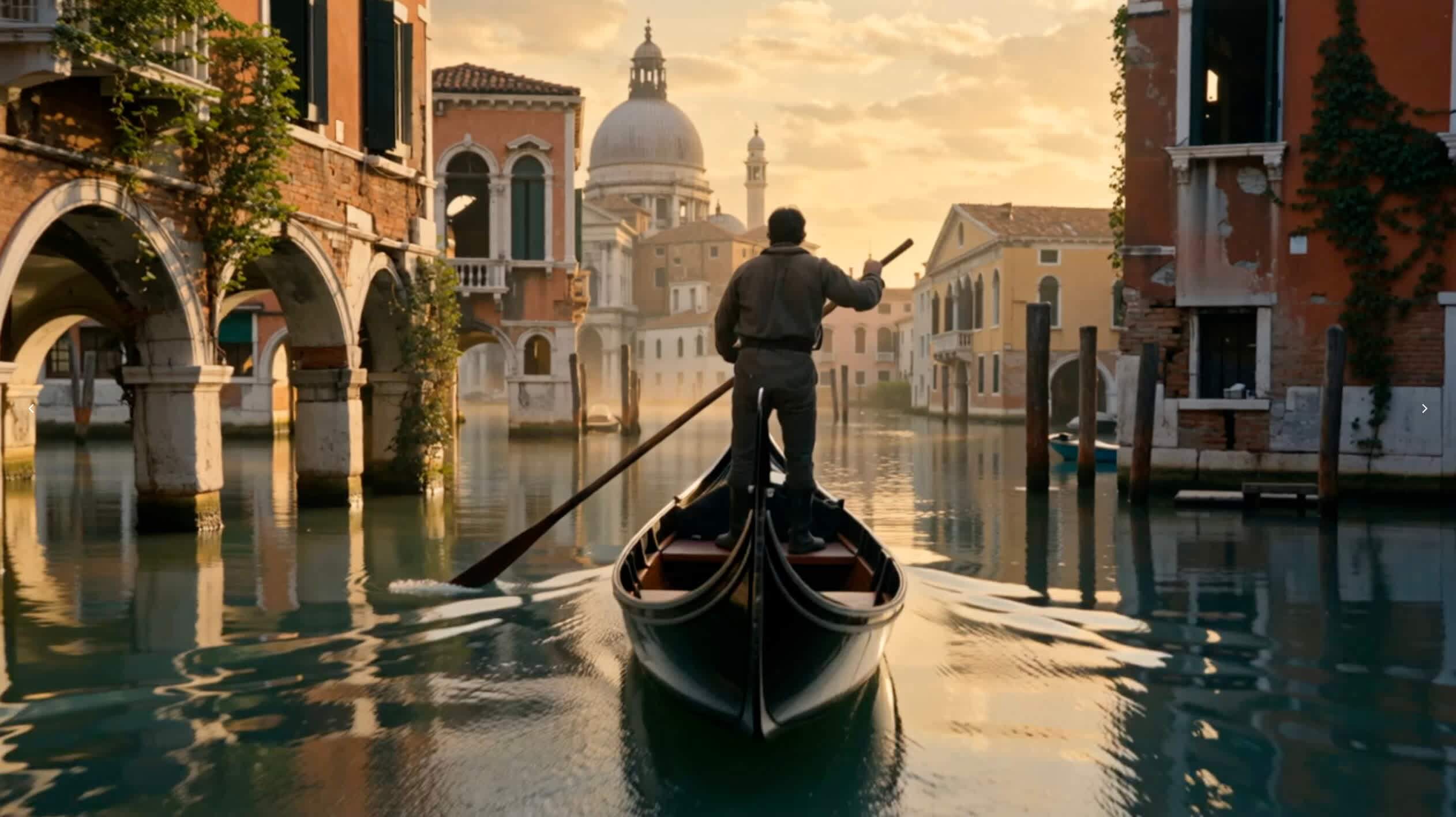
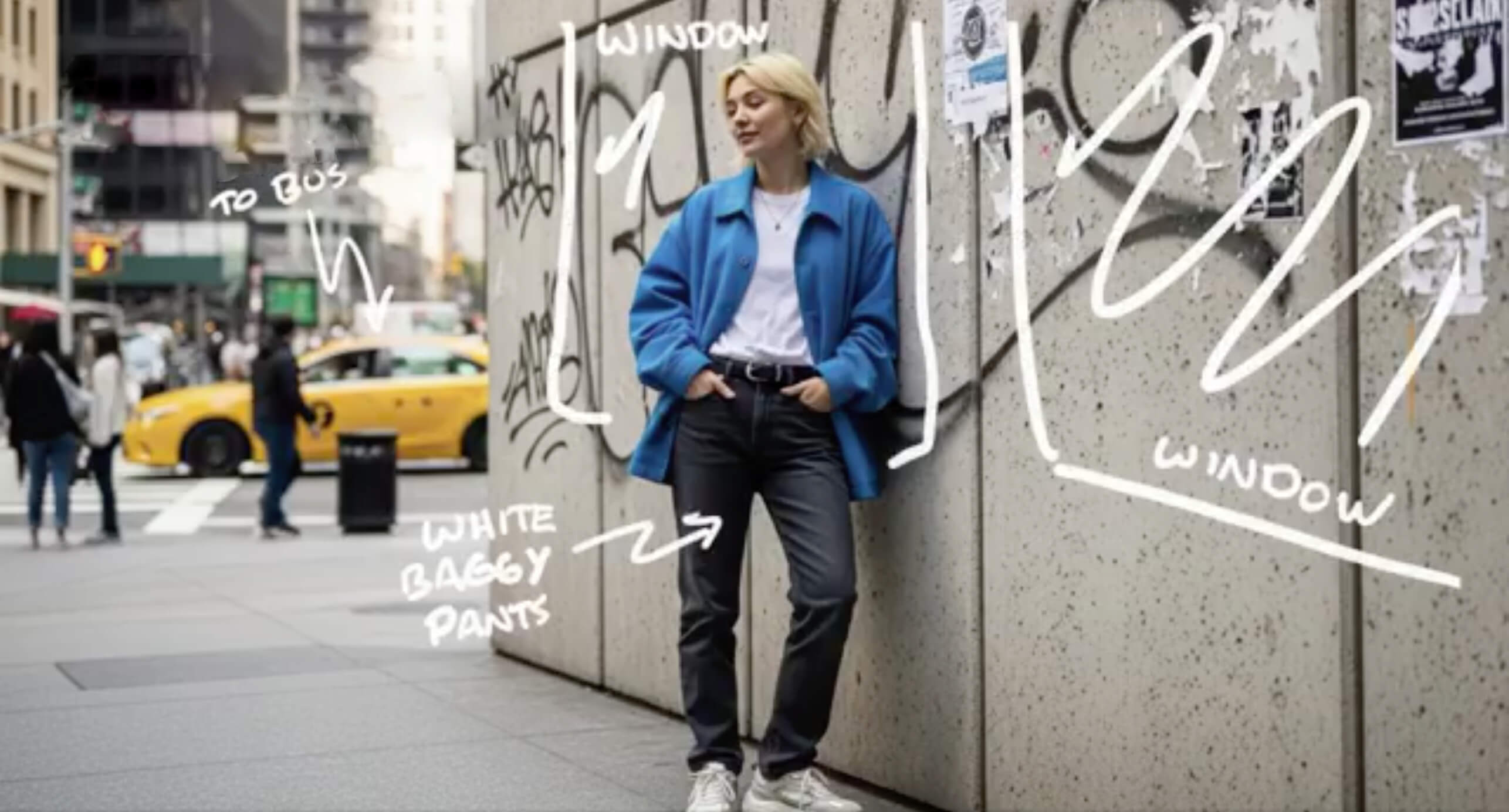
Seedance 2.5 Features for Native 30-Second AI Video
Seedance 2.5 gives creators a longer AI video canvas, richer reference understanding, and more precise editing control. One prompt can carry a scene from setup to motion to final detail.
Native 30-Second Scenes
Shape a continuous 30-second AI video so your idea has room for setup, camera motion, action, and resolution.
Up to 50 References
Work with joined image, video, and audio references to understand products, characters, locations, style, and sound cues.
Synchronized Audio
Support audio-aware video creation, helping generated motion, timing, and atmosphere feel more complete.
Controllable Editing
Refine local details, creative direction, and follow-up edits without discarding the whole video idea.
Stronger Continuity
Improve visual consistency across subjects, lighting, background details, and scene flow during longer generation.
4K-Ready Output
Built for high-quality AI video workflows where creators need sharper output for social, ads, and product storytelling.
Create Better Seedance 2.5 Videos in Four Steps
A strong result starts with a clear shot brief. Define the story, add useful references, generate the scene, then refine the details.
Plan the 30-Second Scene
Write a prompt that explains the subject, setting, camera direction, motion, mood, and how the scene should begin and end.
Add Reference Assets
Upload images, video, or audio so the model can follow your product, character, scene, motion style, and brand direction.
Generate the Video
Create a longer AI video from text or image input, then review pacing, continuity, subject detail, and sound.
Refine the Result
Guide the model with targeted edits so the final video keeps consistent lighting, style, characters, and camera language.
Seedance 2.5 Pricing for AI Video Creation
Choose a plan for text to video, image to video, longer AI video scenes, and reference-guided creative work.
Lite
$178.80 USD billed yearly
For beginners exploring AI video and casual content creation
VIDEO CREDITS
- 800 credits / month
- Buy more credit packs as needed
FEATURES
- Text to video
- Image to video
- Character consistency
- Fast generation mode
BENEFITS
- Private Creation
- No Watermarks
- Full Commercial Use
Pro
$298.80 USD billed yearly
For creators who need more video generation capacity
VIDEO CREDITS
- 1600 credits / month
- Buy more credit packs as needed
FEATURES
- Text to video
- Image to video
- Reference-guided generation
- Fast generation mode
BENEFITS
- Private Creation
- No Watermarks
- Full Commercial Use
Premium
$598.80 USD billed yearly
For teams producing high-volume AI video campaigns
VIDEO CREDITS
- 4000 credits / month
- Buy more credit packs as needed
FEATURES
- Text to video
- Image to video
- Priority video generation
- Fast generation mode
BENEFITS
- Private Creation
- No Watermarks
- Full Commercial Use
- Priority Support
Seedance 2.5 FAQ
Answers about AI video generation, references, editing, and commercial use.
What is Seedance 2.5 best for?
It is best for longer AI video ideas that need continuity, camera direction, character consistency, product detail, and reference-guided control.
How is Seedance 2.5 different from Seedance 2.0?
The upgrade focuses on native 30-second video, up to 50 joined references, stronger continuation, synchronized audio workflows, and more controllable editing.
Can Seedance 2.5 use image, video, and audio references?
Yes. The AI video generator can use multiple reference assets to understand subjects, motion, scenes, visual style, and sound direction.
Why does Seedance 2.5 native 30-second generation matter?
A native 30-second video gives the model more room to build a complete scene, reducing short-clip stitching and improving story rhythm.
How do I get better Seedance 2.5 results?
Use a specific prompt, include the most useful references, describe camera motion and timing, then refine one creative detail at a time.
Can I use Seedance 2.5 videos commercially?
Yes. Generated videos can be used for marketing, social media, product storytelling, ads, and other commercial creative projects.
Create Your First Seedance 2.5 AI Video
Start with Seedance 2.5 text to video or image to video, then refine your 30-second scene with references and precise creative control.